How to Order a VPS Server and Get Started
Step-by-Step Guide to Ordering and Activating a Virtual Server
Getting a VPS server up and running only takes a few steps. You’ll need to choose a plan, create an account, enter your contact details, and complete the payment. This guide walks you through ordering a VPS/VDS server and getting access to it.
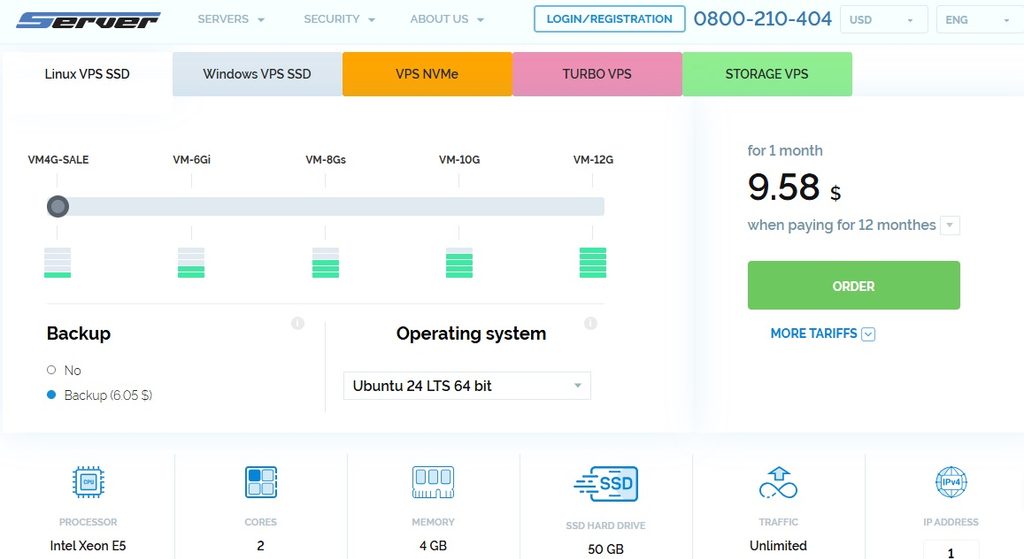
Step 1. Choose a VPS Plan
Visit the Server.UA website and open the VPS hosting section.
Look through the available plans and choose a configuration that suits your project. Pay attention to three main specifications:
- CPU — the number of processor cores.
- RAM — the amount of memory available to your server.
- Storage — the disk space available for your files and data.
Once you’ve found a suitable plan, proceed to checkout.
Step 2. Create an Account
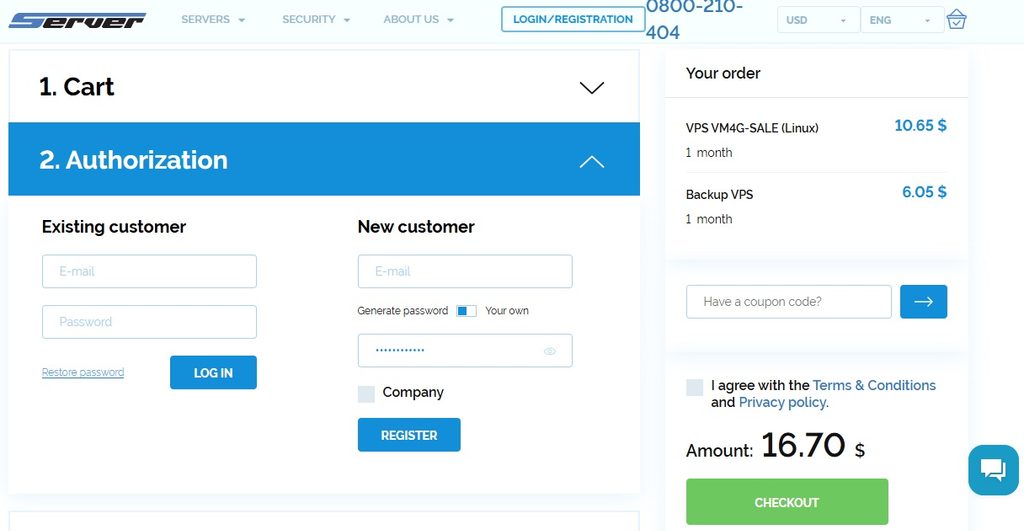
You’ll need to sign in to your client account before placing an order.
If you already have an account, simply log in. New customers will need to register:
- Enter a valid email address.
- Create a strong password.
- Confirm your registration.
Make sure you use an email address you check regularly. Important updates about your server will be sent there.
Step 3. Fill In Your Contact Details
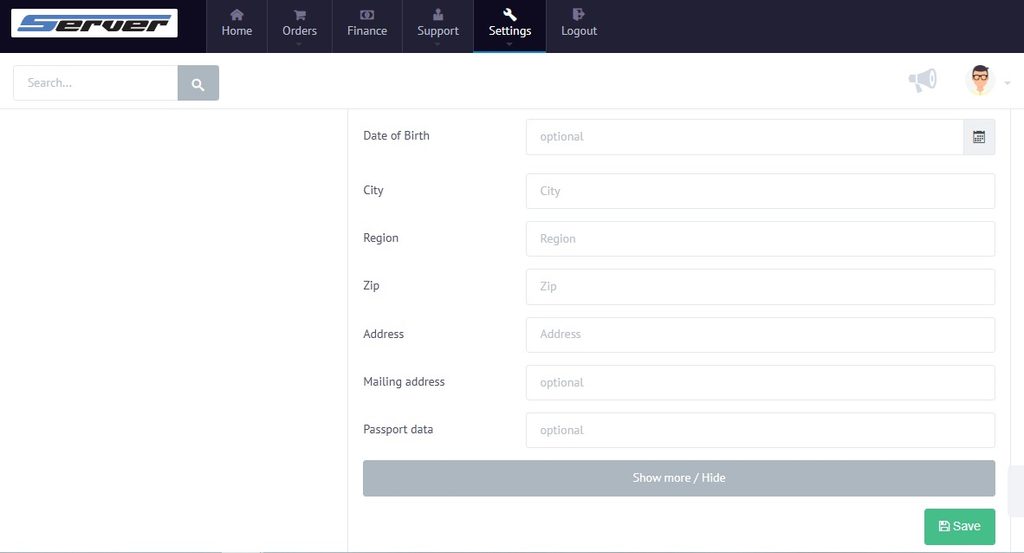
After registering, open your client account and go to your profile settings.
Enter the required information:
- For individuals: your first and last name, phone number, and address.
- For businesses: your company name, contact information, and billing details.
Check that everything is correct, then save your changes.
These details are used to process your order, handle billing, and contact you if needed.
Step 4. Pay for Your Order and Access Your VPS
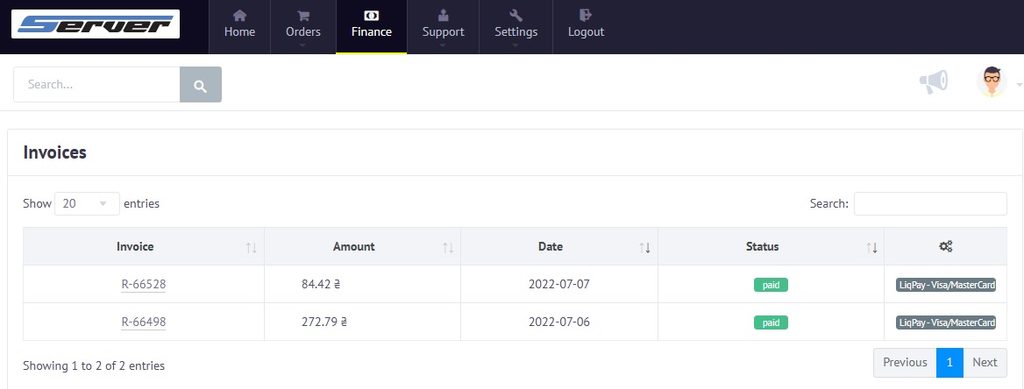
Once your profile is complete, proceed to payment.
- Review your selected plan and its price.
- Choose your preferred payment method.
- Complete the payment.
Your VPS will begin activating once the payment has been received. This usually takes just a few minutes.
When the server is ready, you’ll receive the connection details, including its IP address, username, and login credentials.
You can then connect to your VPS and start configuring it. Linux servers are typically accessed through SSH, while Windows servers use Remote Desktop (RDP).
If you run into any issues while ordering or activating your VPS, contact the Server.UA technical support team.